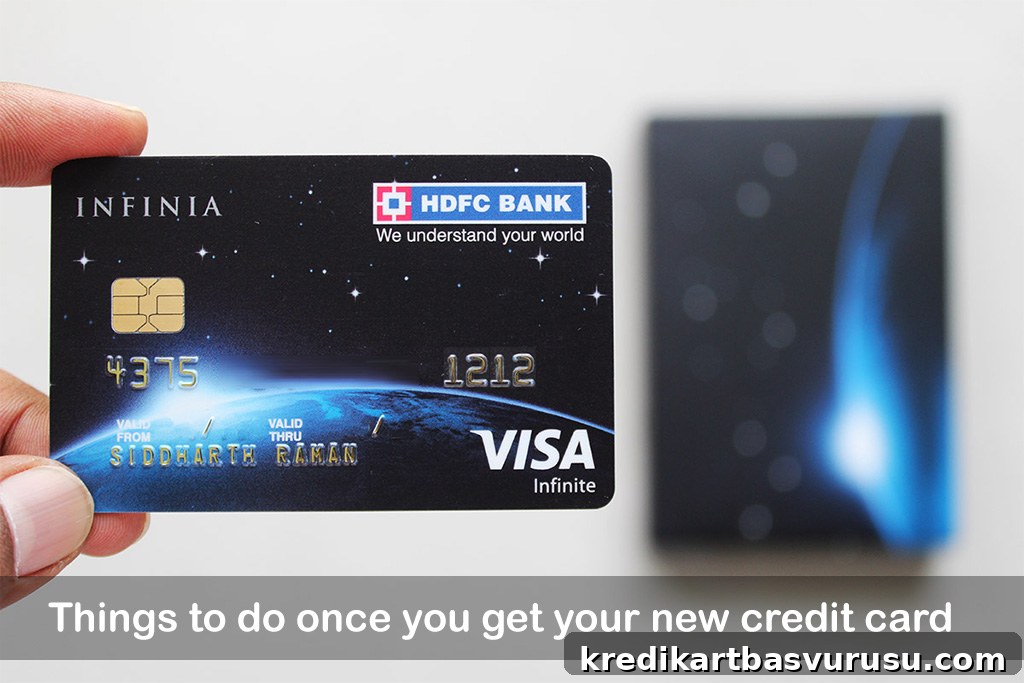
Receiving a new credit card is always satisfying — the packaging, the design, the embossed name — but once the excitement fades, there are a few important steps you should take right away to protect your money and get the most from the card.
Below are practical actions to take as soon as your new credit card arrives. They help secure the card, enable convenient management, and ensure you don’t miss benefits or face avoidable issues.
Table of Contents
- 1. Activate Online banking
- 2. Activate Mobile App
- 3. Setup your PIN
- 4. Disable International Transactions
- 5. Enable e-statements
- 6. Do Test Transaction
- 7. Know your Statement Date
- Bottomline
1. Activate Online banking
The first practical step is to activate online/net banking for the card. Without online access many management tasks are difficult or slow. If you already have an account with the issuer, the card may be linked automatically, but in some cases you’ll need to link and activate it manually for security reasons.
Online banking lets you:
- View available credit limit
- Set up auto-debit for payments
- Check and redeem reward points
- Browse offers and transaction history
2. Activate Mobile App
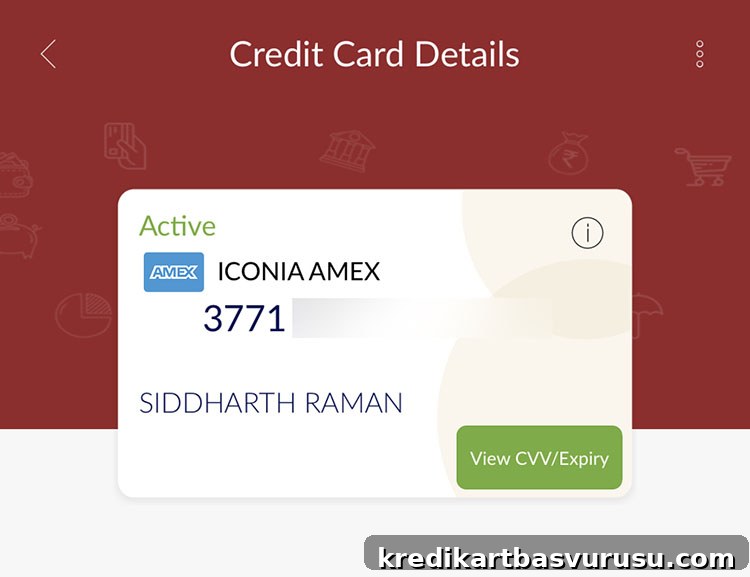
Most issuers provide a mobile app to view and manage cards on the go. Some banks use a dedicated card app while others include card features in their main banking app. Install the app, register using your net banking credentials if required, and set an MPIN or biometric access for convenience and security.
Modern mobile apps allow nearly all the tasks you would perform via online banking, including locks, limit changes and reward redemptions.
3. Setup your PIN
Set a secure PIN for card transactions as soon as possible. You can generate or change the PIN through online banking, the mobile app, or phone banking. Having a PIN ready is useful if you need to use the card in-person, at lounges, hotels or at ATMs.
If you have multiple cards, keeping track of their PINs is important; mobile apps often let you generate or view a PIN securely when needed.
4. Disable International Transactions
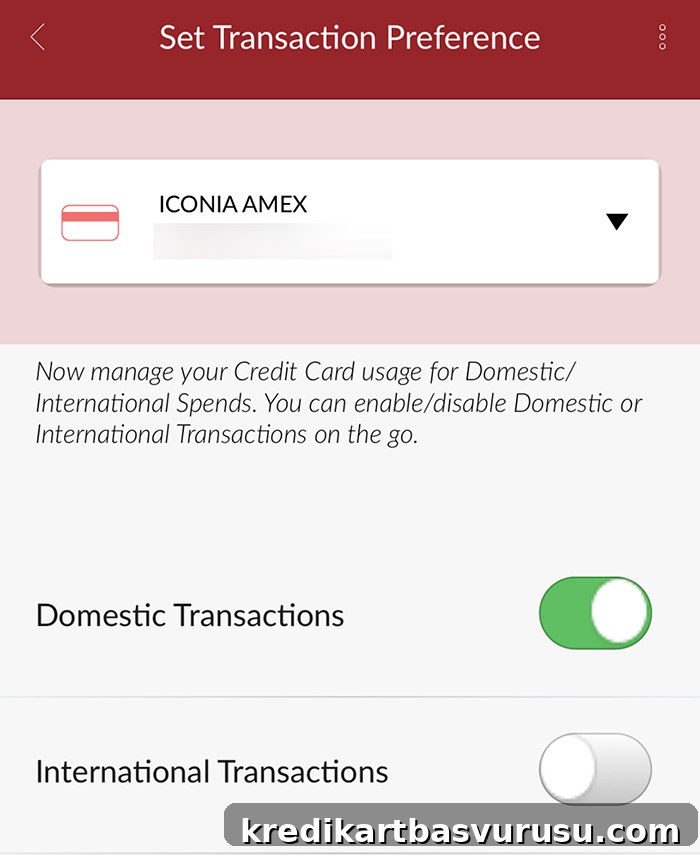
International card fraud is common. Many international merchants or sites may process transactions without OTP or CVV validation in some cases, so if you don’t need to shop internationally, disable international transactions or set a low international spend limit.
You can usually do this via the mobile app, online banking, or by calling customer support. Restricting international access drastically reduces exposure to cross-border fraud.
Fraud can happen with any issuer; it’s often due to card data exposure rather than the bank itself. If you do encounter unauthorized charges, prioritize immediate reporting to get rapid support and refunds where applicable.
5. Enable e-statements
Switch to electronic statements to reduce paper waste and keep records accessible. E-statements are convenient: you can view and download past statements from the app or online banking even if an email is missed.
Enable e-statements via online banking or customer service, and keep your email address updated to receive alerts.
6. Do Test Transaction
Make a small test purchase (for example, a nominal amount via a trusted wallet or merchant) to confirm the card is active and working. I usually do a small Rs.100 transaction to validate the setup.
Reasons to test:
- The issuer registers that the card is in use and welcome benefits and tracking begin promptly.
- Some cards may be inactive or not fully configured; testing reveals setup issues early.
- Issuers may block or flag cards that receive no activity within a set period after dispatch.
A quick test protects against unexpected blocks and ensures the card will work when you need it.
7. Know your Statement Date
Understanding your statement generation date helps you manage cash flow, plan payments, and track spending for welcome-offer requirements (e.g., spend X within Y days).
- Find statement date: If it’s not visible online before the first bill, call customer service to confirm your statement generation day.
- Change statement date: You can often request a change to better align with your salary or expenses — customer support can adjust it provided there’s no outstanding balance.
Many cardholders prefer dates at the start or middle of the month; choose what best fits your cash flow and bill-pay schedule.
Bottomline
When a new card arrives, run through these checks to avoid unpleasant surprises: activate online and mobile access, set a PIN, control international use, enable e-statements, perform a small test transaction, and confirm or adjust your statement date. If you do nothing else immediately, disable international transactions until you actually need them.
These are the steps I follow whenever a new card is delivered. Do you follow similar steps? Share your experiences in the comments.