

The need for liquidity is at an all-time high and many consumers are experiencing a “cash crunch.” To help address this, CRED has launched RentPay, a service that lets members pay rent by transferring funds directly to their landlord using a credit card or UPI. Below is a clear guide to what RentPay offers and how it works.

Table of Contents
- What is CRED?
- What is RentPay?
- Benefits of RentPay
- Charges
- How much can I save?
- How to use it?
- Eligibility
- Bottomline
What is CRED?
CRED is an invite-only app aimed at cardholders with strong credit scores (typically 750 and above). It centralizes credit-card bill payments and rewards members for on-time payments and other activity. Many users report substantial value from rewards and partner offers since the app’s launch.
What is RentPay?
RentPay is CRED’s rent-payment feature for members. It enables rent payments via credit card in a straightforward three-step process and supports UPI transfers as an alternative. The service focuses on speed and simplicity while preserving the benefits of credit-card spending.
Benefits of RentPay

- Credit card rewards: Many premium cards offer reward rates of 2% or higher, and some deliver up to about 3.3%, so you can earn back a portion of rent spent on the card.
- Milestone bonuses: Paying rent can contribute to milestone thresholds on certain cards, unlocking bonus rewards, fee waivers, or other benefits tied to cumulative spending.
- CRED Coins: Members also earn CRED coins for paying credit-card bills through the app, which can be redeemed for offers.
- Extended credit period: Rent paid via credit card typically enjoys the card’s interest-free period—often around 45 days—before payment is due.
Beyond direct rewards, consistently using a card for large recurring expenses like rent and repaying on time may help qualify you for better card benefits, higher limits, or account upgrades. Timely payments reported to credit bureaus can also improve your credit profile, which may lead to better loan terms in the future.
Charges
- Service charge (Credit Card): Up to 1.5% (including GST)
- Service charge (UPI): Nil
These service charges are transaction fees added when you pay rent through RentPay. The fee level appears consistent across major card networks, including Amex and Diners, and UPI transfers are free. Some competitors may offer lower introductory fees while they build user bases, but fees tend to normalize over time.
How much can I save?
Your net savings depend on your card’s reward rate and the service charge. For example, with a monthly rent of Rs.30,000 (Rs.3.6 lakh annually), annual net value varies by card type and rewards structure:
- HDFC Infinia / HDFC Diners Black: Estimated value around Rs.6,480 as reward points, redeemable for travel and other redemptions.
- Vistara Signature: Estimated value near Rs.8,500, which could translate to premium-economy airline benefits depending on redemption.
- SBI Prime: Estimated value around Rs.2,000 in partner vouchers and milestone benefits.
These examples illustrate that value depends on the specific card and overall annual spend. To maximize benefit, consider total annual card spend—including rent—and choose a card that rewards your combined expenditures most effectively.
How to use it?
RentPay’s interface is designed to be quick and intuitive. The rent payment flow is three steps:
- Enter the amount you want to pay.
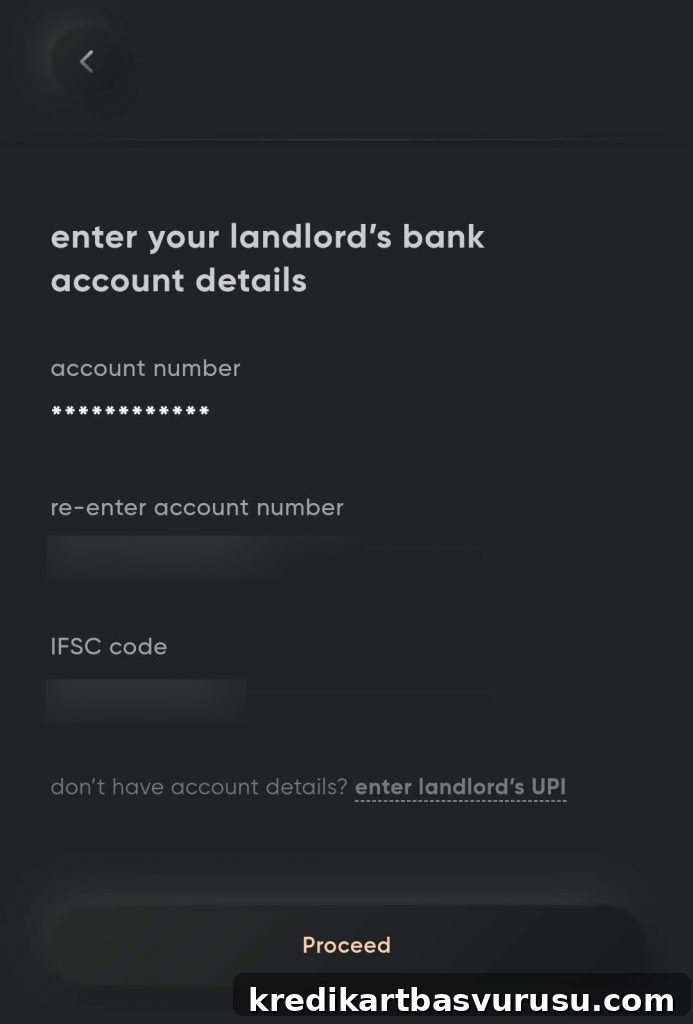
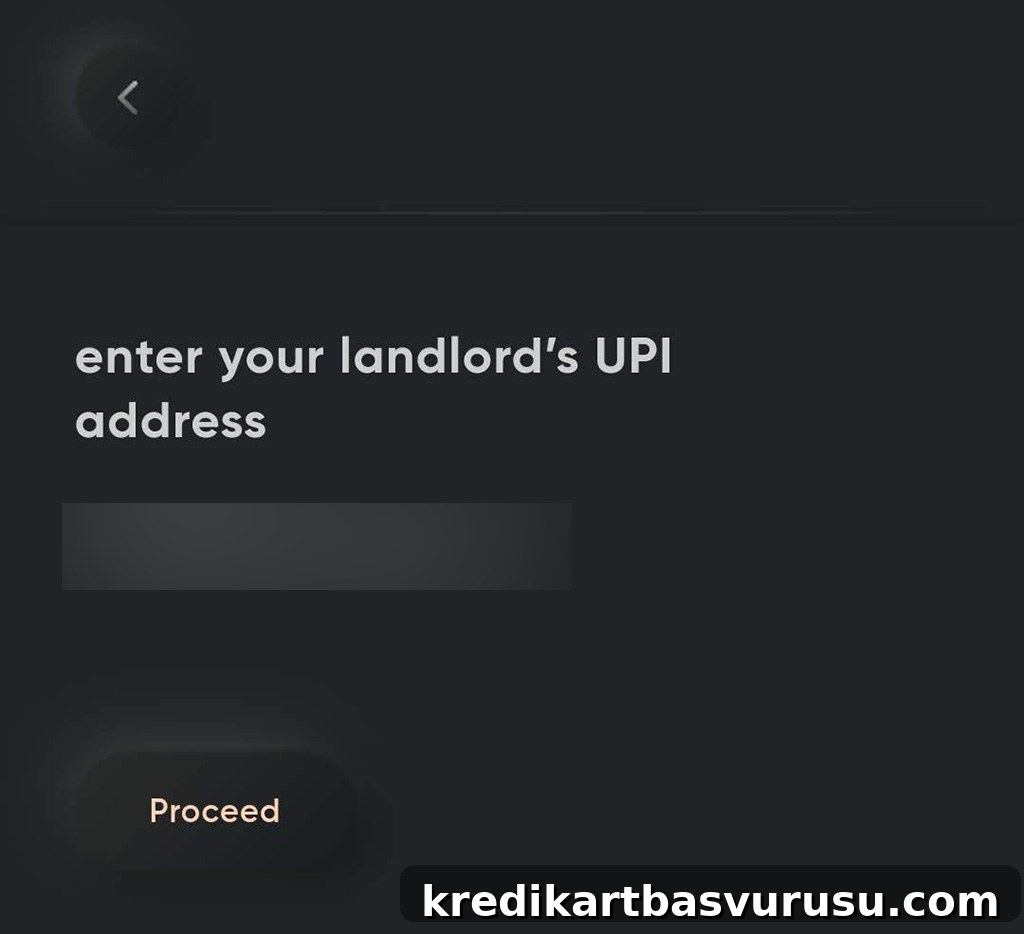
- Provide the landlord’s bank or UPI details.
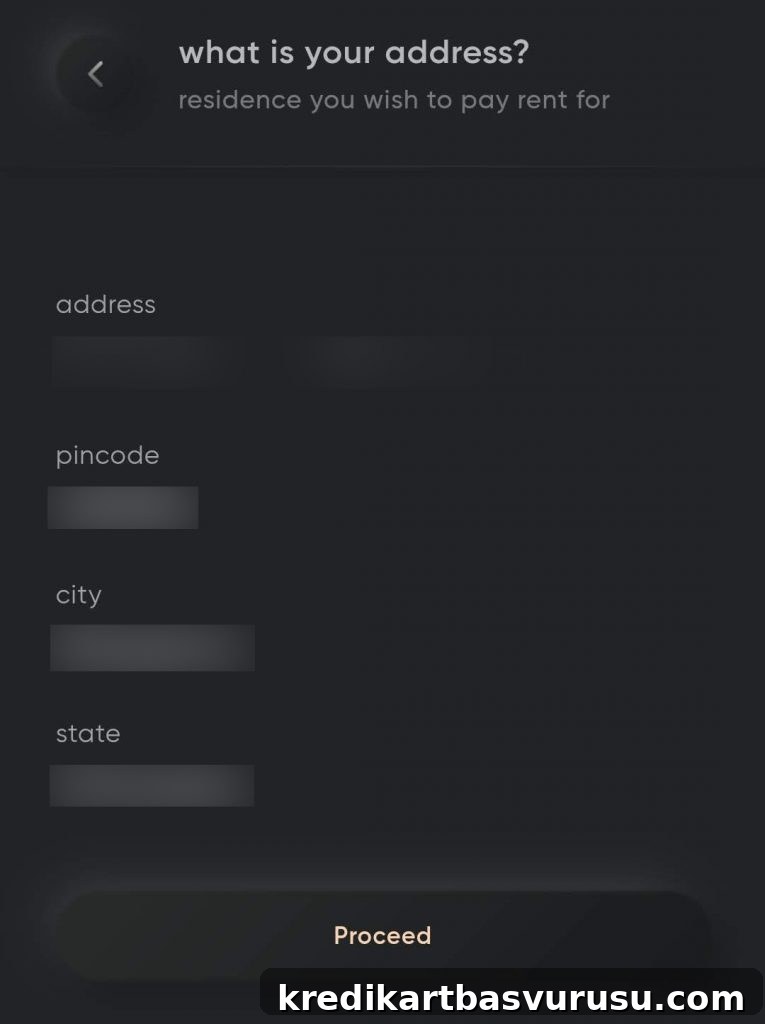
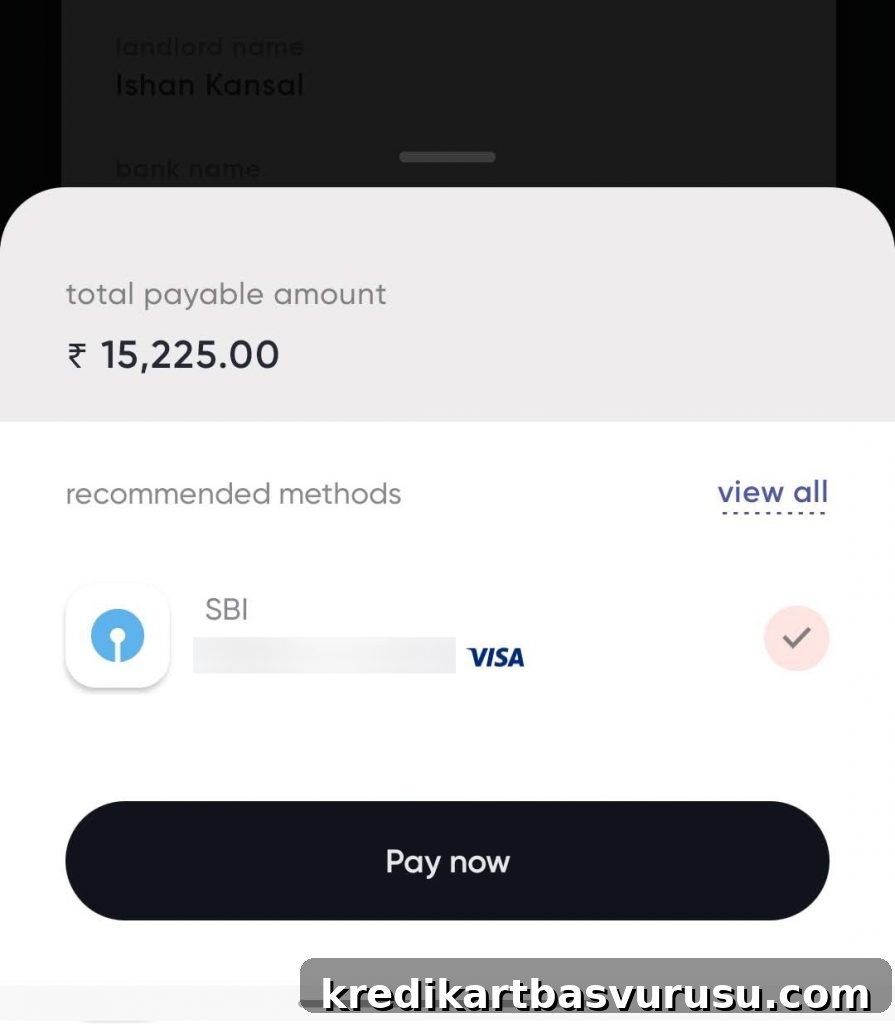
- Add the rental address for which you are paying and confirm the payment.
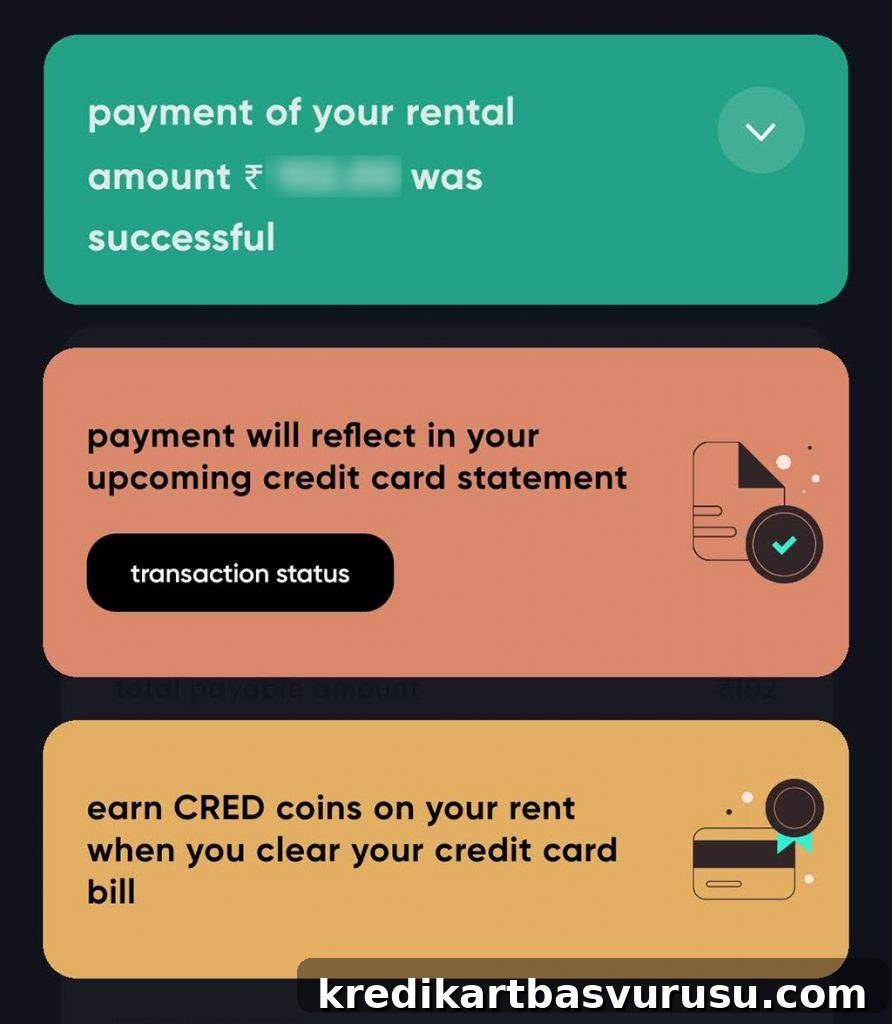
The entire process typically takes a minute or two without the need to upload rent agreements or wait for activation. Payments are transferred to the landlord in real time. The app guides you through selecting a card and confirming the transaction.


Eligibility
- You must be a CRED member, generally with a credit score above 750.
RentPay is intended for all eligible CRED members, though initial availability rolled out to select users first. CRED plans to expand access to more members in phases. To use RentPay you may need the latest version of the CRED app; check your home screen for the RentPay option after updating.

Bottomline
- Cardexpert Rating: 4.2/5
CRED RentPay stands out for a smooth, three-step rent transfer process combined with the opportunity to earn card rewards and CRED coins. While some competitors offer lower introductory fees, RentPay emphasizes a fast, simple experience that many users will value—especially if their card’s rewards exceed the service charge.
Broader adoption of credit cards for rent and other large recurring expenses could increase liquidity for consumers, extend interest-free periods, and boost reward earnings. Features like autopay for rent and integration of maintenance and security-deposit payments would further enhance value if introduced in future updates.
Have you tried RentPay by CRED? Feel free to share your experience in the comments below.