
If you hold an American Express credit card, you may occasionally find transactions declined by merchants. Although Amex acceptance—both online and in-store—has improved in recent years, some merchants, particularly in smaller towns and non-metro areas, still do not accept the card.

If your Amex card was recently declined, here are clear, practical steps you can take to try to resolve the issue.
Report the Issue to American Express
A simple first approach at a physical store is to politely ask the cashier or manager to enable Amex acceptance on their terminal. Often staff can contact their payment provider or adjust settings so the transaction goes through.
If you’d rather not handle it in person, American Express provides a way to report merchants who won’t accept their cards. AmEx can follow up directly with the merchant on your behalf.
To use this service, complete a short online form with the merchant’s details and your experience. AmEx will contact the merchant to investigate and, when possible, work toward enabling acceptance.
- Visit the AmEx merchant feedback form (use the online form provided by American Express).
- Provide the required merchant and transaction details, then submit the form.
- Wait for a response and, if the merchant updates their setup, try your card again on your next visit.
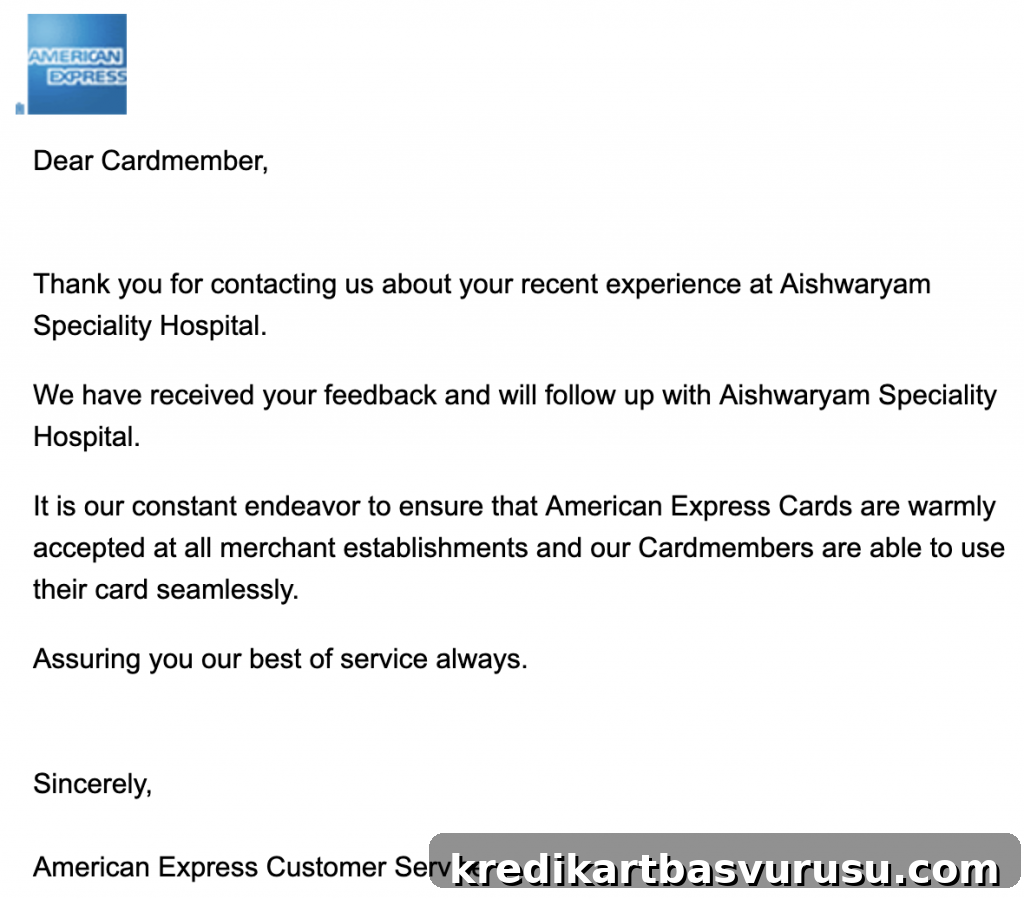
Response times vary. In my experience, I received an acknowledgement email for one of the merchants I reported within about two weeks. That message confirmed AmEx had received the complaint and was following up with the merchant.
Limited Period Offer: Consider eligible cards such as Amex MRCC or Amex Platinum Travel with potential first-year fee waivers. Check current terms and eligibility before applying.
Have you ever reported a merchant to AmEx or contacted support about acceptance issues? Share your experience in the comments—your feedback can help other cardholders decide whether to try reporting merchants or handle the situation in person.